Attendance Kiosk
Welcome! Please Scan your Student ID by showing the camera the QR code on your ID Card.
Welcome! Please Scan your Student ID by scanning the QR code on your ID Card with the barcode scanner.

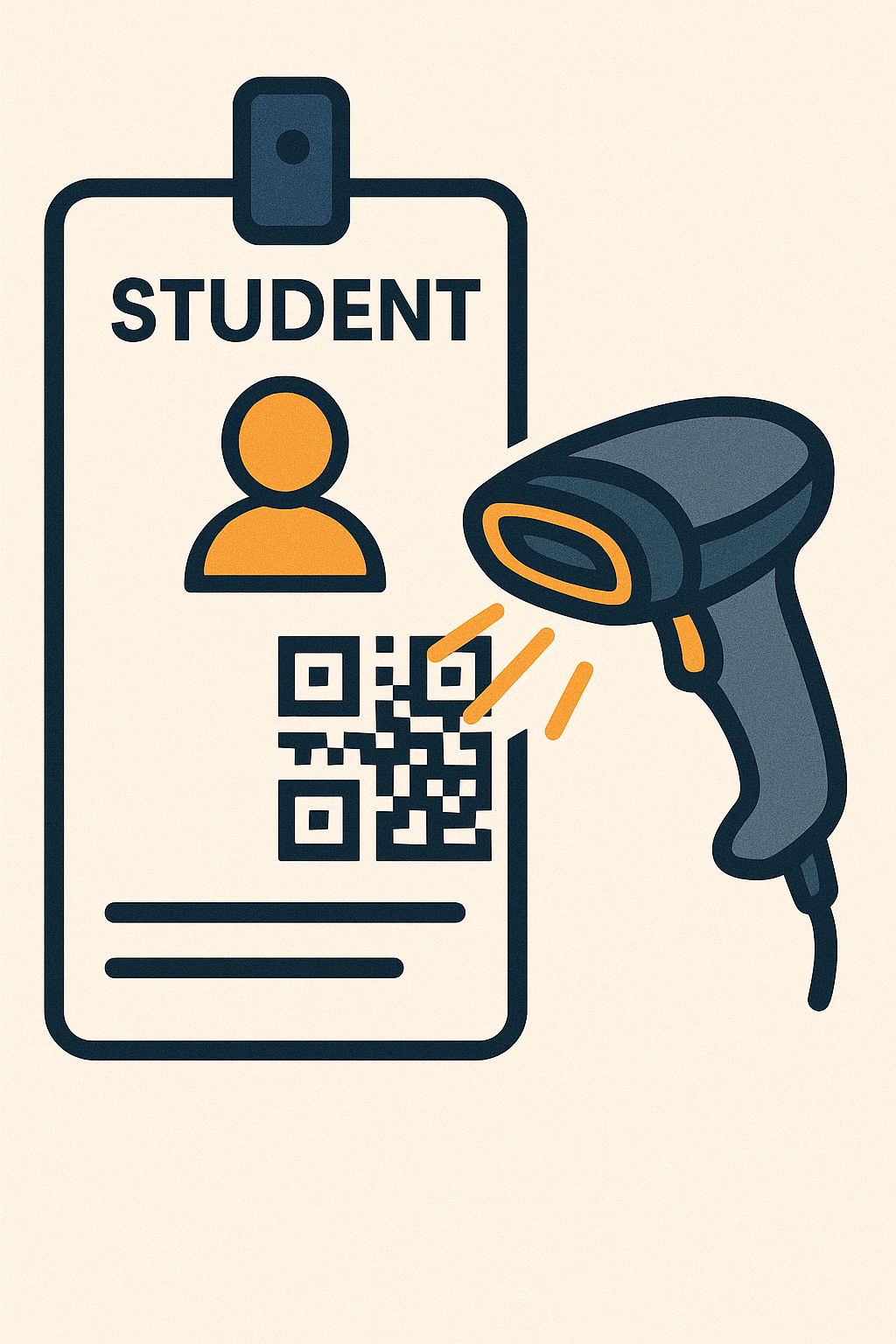
USB barcode scanners will type here automatically.